
Free, in your browser
Free Image Splitter: 4 or 9 Equal Tiles
Cut any JPG, PNG or WebP into 4 or 9 equal tiles and download them as PNGs or one ZIP. Free, no sign-in, never uploaded.
Split your image
My creations ↗One sheet. Nine equal tiles.
BOTANICAL / 3 × 3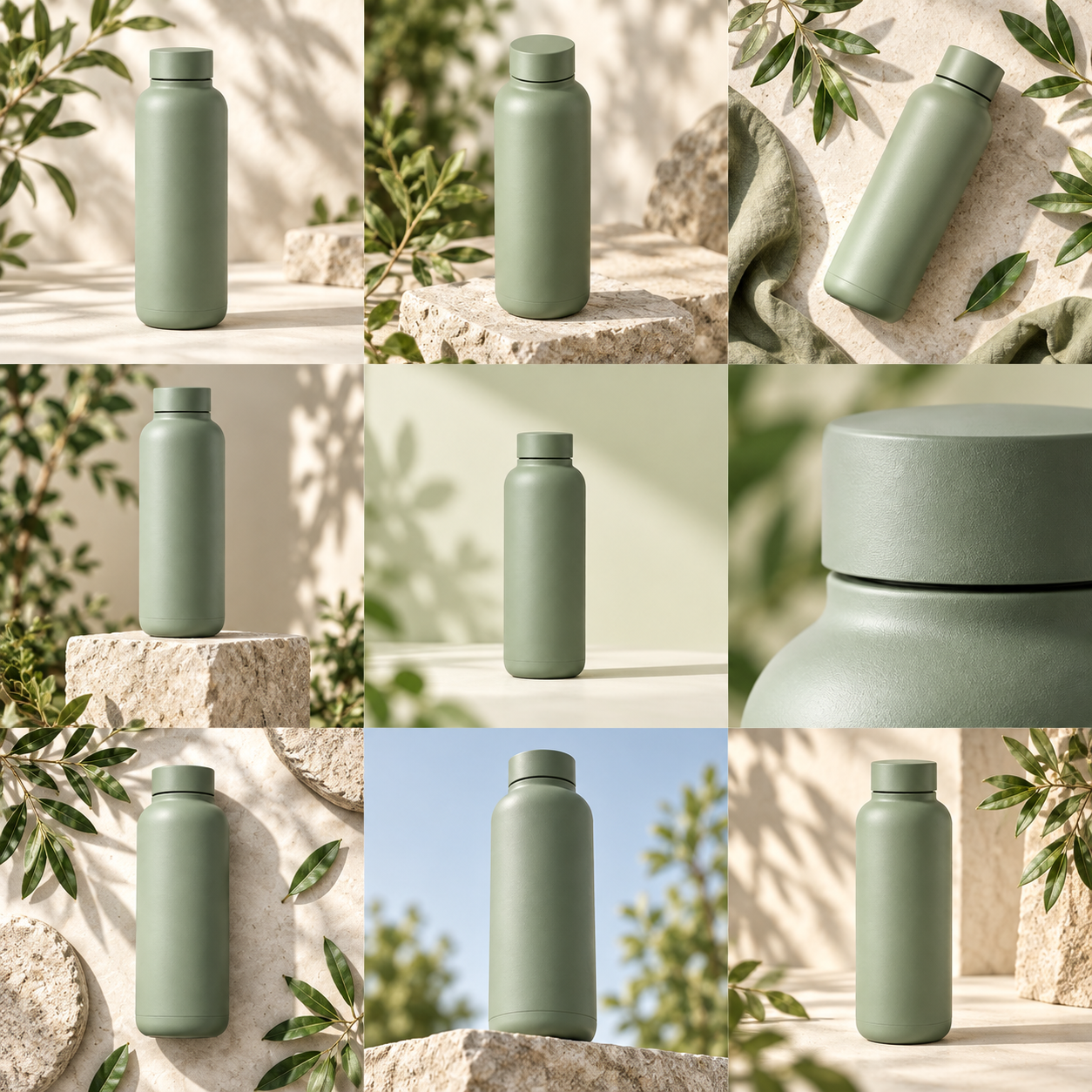
One sheet in, nine files out
An image splitter example: one sheet, nine tiles
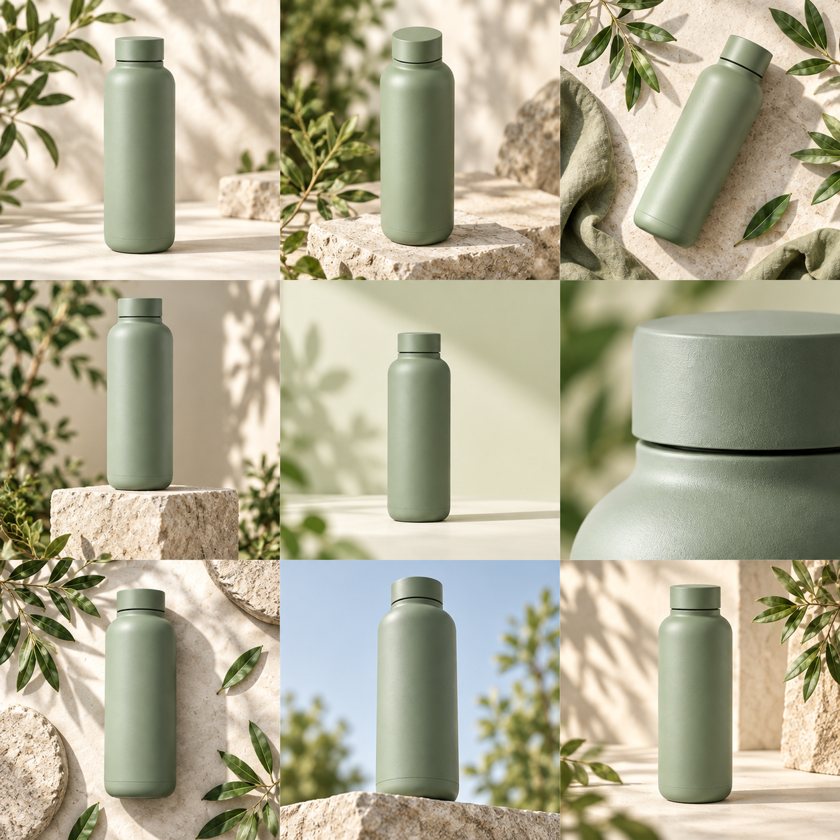
The 1,254-pixel image on the left, cut 3 × 3. Every tile is 418 × 418 pixels, taken from the original pixels with no resizing, and the ZIP holds them as tile-01.png to tile-09.png, row by row from the top left.
 01
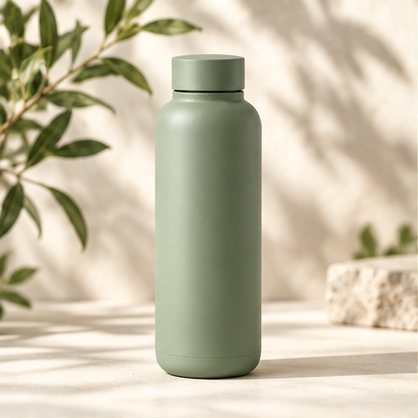
tile-01.png
Row 1, left.
 02
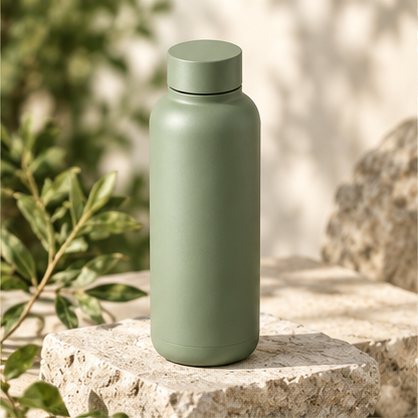
tile-02.png
Row 1, middle.
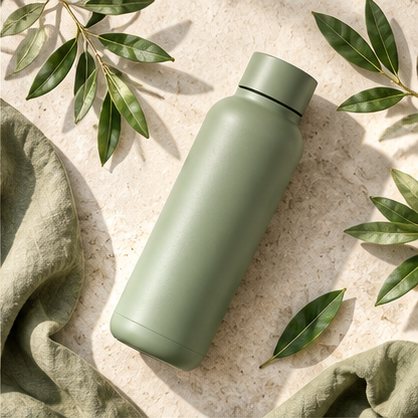 03
tile-03.png
Row 1, right.
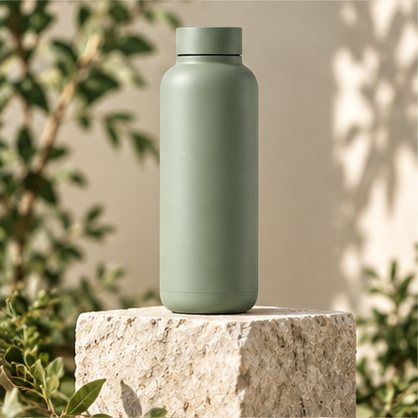 04
tile-04.png
Row 2, left.
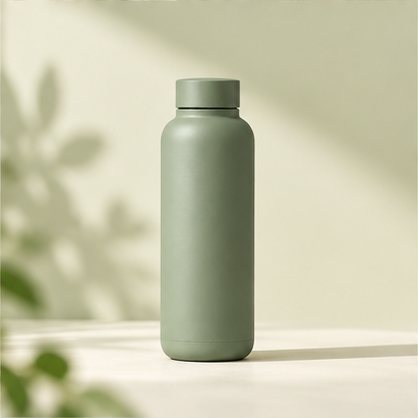 05
tile-05.png
Row 2, middle.
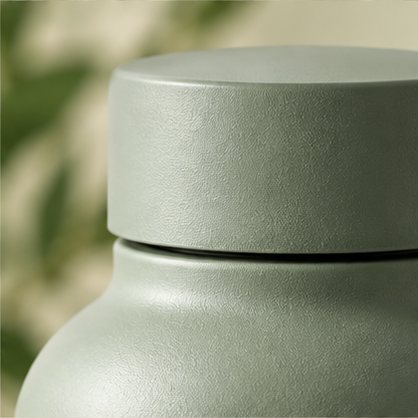 06
tile-06.png
Row 2, right.
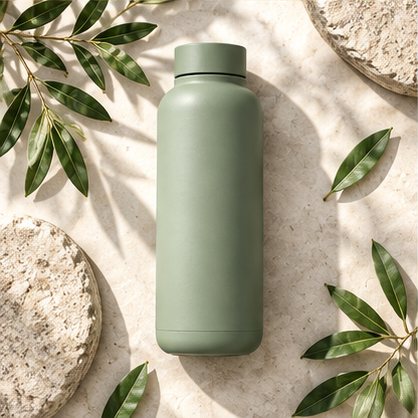 07
tile-07.png
Row 3, left.
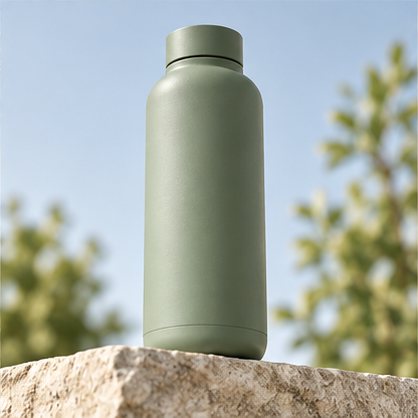 08
tile-08.png
Row 3, middle.
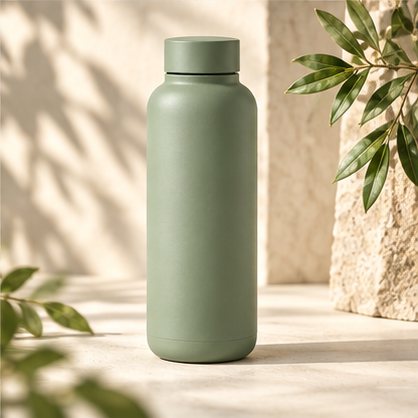 09
tile-09.png
Row 3, right.
Try it on this same sheet: press the button under the example in the splitter above, and the nine tiles appear ready to download.
Four tiles or nine
2 × 2 or 3 × 3: which image splitter grid to pick
- 01
2 × 2: four equal tiles
Each tile is half of the image's width and half of its height, so a 2,000-pixel square image gives four 1,000-pixel tiles. It suits four-image AI grids, a four-page poster, or a picture you want to show as four posts.
- 02
3 × 3: nine equal tiles
Each tile is one third of the width and one third of the height, so a 1,254-pixel sheet gives nine 418-pixel tiles. It suits a three-row profile grid, nine-panel contact sheets and a nine-page poster.
- 03
Switch as often as you like
Change the grid and the tiles are cut again from the same image right away. Nothing is uploaded, so trying both costs nothing.
Three steps, no upload
How to use the image splitter in three steps
- 01
Choose your image
Any JPG, PNG or WebP up to 25 MB and 36 megapixels. Your browser reads it; nothing is sent to a server.
- 02
Pick 2 × 2 or 3 × 3
2 × 2 cuts the image into four equal tiles, 3 × 3 into nine. Each tile keeps the original pixels and your image's proportions.
- 03
Download the tiles
Untick any tile you do not need, then save single PNGs or the selected tiles as one ZIP, numbered from the top left, row by row.
Your file stays with you
How this image splitter keeps your image on your device
This splitter does all of the work in the page you have open, so there is no upload to wait for and no copy of your picture left on a server afterwards.
- 01
Read in your browser
When you choose a file, the page opens it locally and checks its type, its size of up to 25 MB and its pixel count of up to 36 megapixels. The file itself never leaves your device.
- 02
Cut on a canvas
Each tile is drawn from its own rectangle of the original image onto a blank canvas at full size, then saved as a PNG. Nothing is scaled or filtered, and PNG keeps every pixel as it was.
- 03
Saved straight to your device
Single tiles download as PNG files, and the ZIP is put together in the page too. The image is not kept anywhere: close the page and it is gone, so download the tiles you want first.
One picture, many pieces
Four ways to use a free image splitter
Equal tiles are what grid posts, AI image grids and printed posters need. These are the jobs this splitter does well.
- 01
Post a 3 × 3 Instagram grid
Cut one picture into nine tiles and post them from 09 back to 01, so the whole image spreads across three rows of your Instagram profile. Each tile keeps your image's proportions, so start from an image shaped like the grid you want.
- 02
Separate an AI image grid
Image tools often return four or nine variations on one canvas. Cut a 2 × 2 or 3 × 3 grid into separate files instead of cropping each one by hand. A grid with no borders or gaps splits cleanly. If your grid has a white frame around it, crop the frame off first so the cut lines fall between the pictures.
- 03
Print a poster on several pages
Split a large picture into four or nine equal tiles, print each one on its own sheet of paper and join them into one bigger picture. The tiles keep the original pixels, so a sharp image stays sharp. A 3 × 3 split of a landscape photo gives nine landscape pages.
- 04
Make a sheet of AI product photos
No grid yet? The AI product photo generator turns one product photo into a sheet of 4 or 9 shots for 250 credits ($1), and this splitter cuts it the same way.
Image splitter FAQs
Is the image splitter free?
Yes. Splitting costs nothing, needs no account and adds no watermark. Credits are only for generating new AI product photo sheets on the home page.
Does the image splitter upload my image?
No. Your browser reads the file and cuts the tiles itself, and nothing is sent to our server. Once it is done, the result says: Processed locally. Nothing uploaded.
Which images can the image splitter cut?
JPG, PNG and WebP files up to 25 MB and 36 megapixels. Any shape works: a square image gives square tiles, and a wide image gives wide tiles. If a file is too large for the browser, the page says so and asks for a smaller one, and nothing is lost.
Can the image splitter make a 3 × 1 strip or a 4 × 4 grid?
No. It makes two grids: 2 × 2 for 4 equal tiles and 3 × 3 for 9 equal tiles. For a strip, a carousel or a larger grid, use a tool with custom rows and columns.
How long does the image splitter take?
There is no upload or queue to wait for. The tiles are cut on your device as soon as you choose the image or switch between 2 × 2 and 3 × 3, so a large file only takes as long as your browser needs to read it.
Does the image splitter reduce quality?
No resizing happens. Each tile is an exact crop of your image at its original pixels, saved as PNG. When the width or height does not divide evenly, the cut lines are rounded to the nearest pixel, so every pixel ends up in a tile. A 1,254 × 1,254 image, for example, divides evenly by 3 and gives nine tiles of 418 × 418 pixels, so every tile is exactly the same size.
What are the files called?
The ZIP is image-tiles.zip. Inside, the tiles are tile-01.png to tile-09.png on a 3 × 3 grid, or tile-01.png to tile-04.png on a 2 × 2 grid, left to right and top to bottom. Untick a tile to leave it out.
Does the image splitter work on a phone?
Yes. It runs in the browser, so it works the same way on a phone, a tablet or a computer, with the same 25 MB limit. Choose the image, pick the grid and download the tiles.
Can the image splitter cut several images at once?
No, one image at a time. Choose the next image when you have downloaded the tiles of the first; the new one replaces it and is cut right away with the grid you picked.
Why are some tiles one pixel wider than others?
An image whose width or height cannot be divided evenly by 2 or 3 cannot give perfectly equal tiles. The cut lines are rounded to the nearest pixel instead, so neighbouring tiles can differ by one pixel and no pixel is lost.
Can I make the grid with AI instead?
Yes. On the home page, the AI product photo generator turns one product photo into a sheet of 4 or 9 shots in Soft studio, Botanical or Bold geometry for 250 credits ($1), and the same splitter cuts it.