About
About Product Grid AI
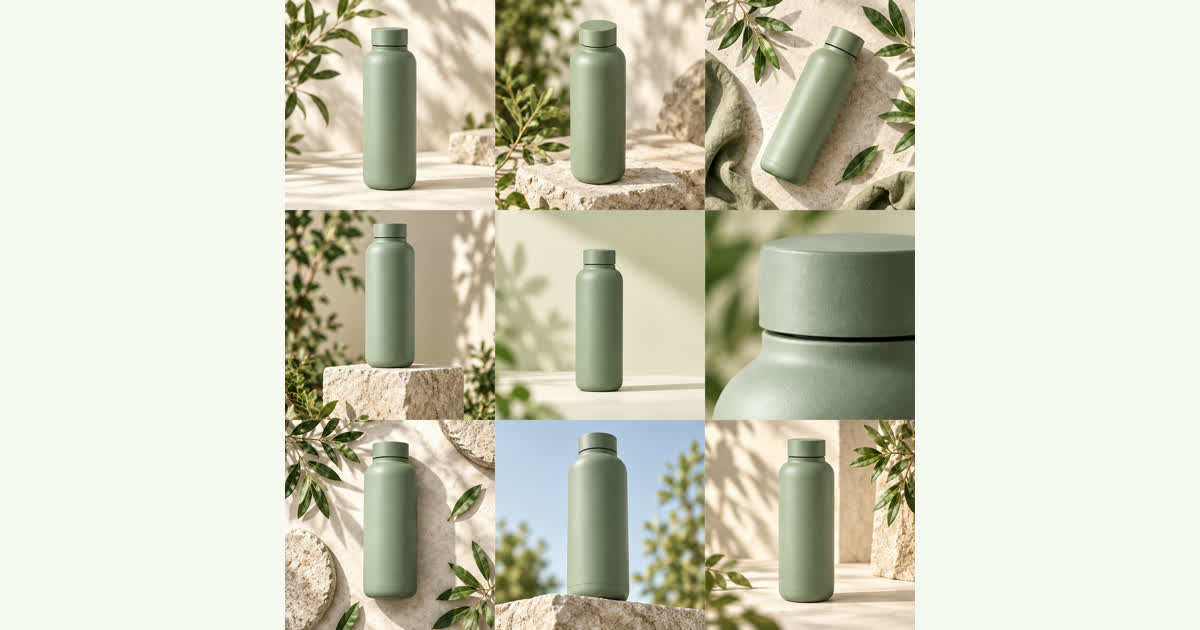
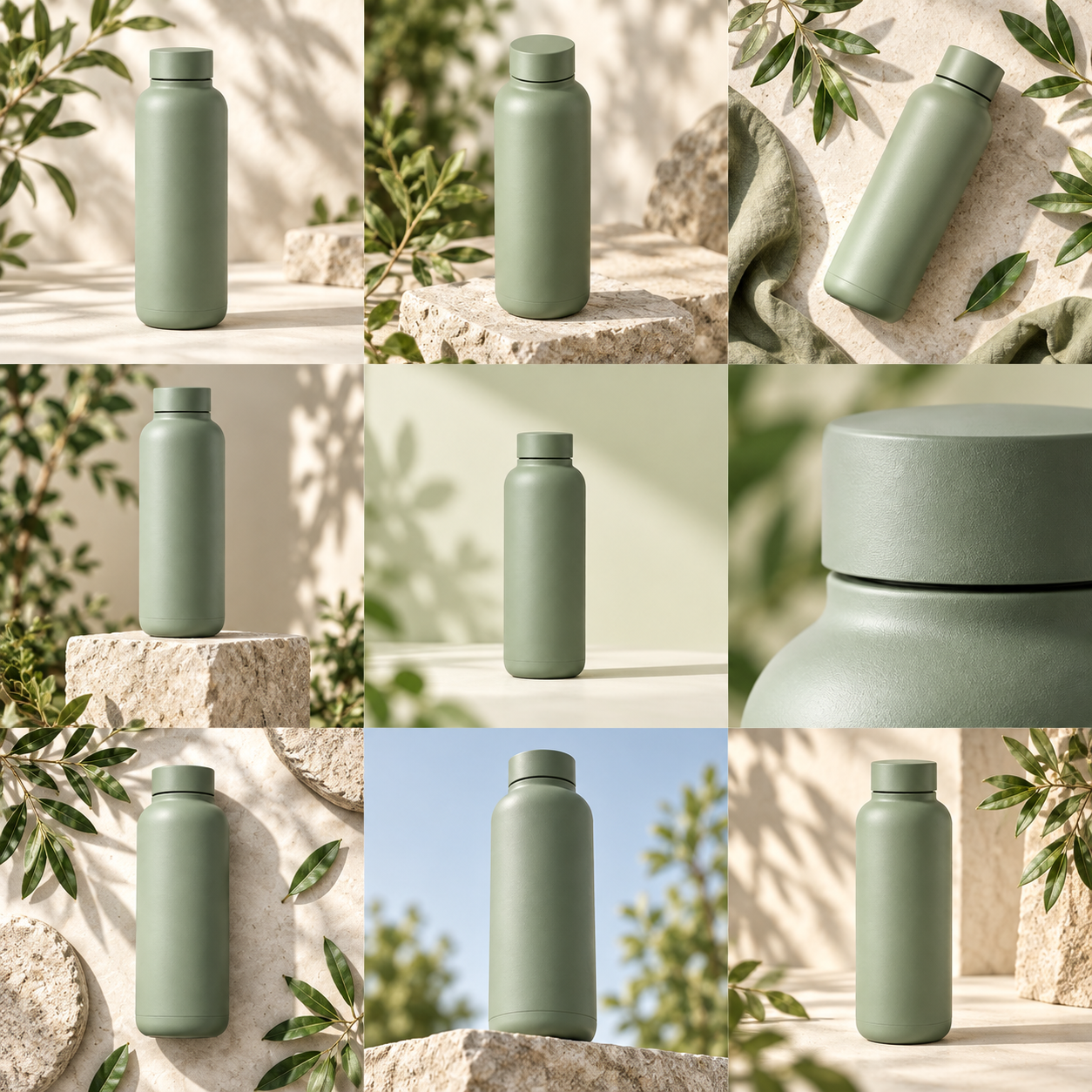
Product Grid AI is an AI product photo tool that turns one product photo into a square contact sheet of 4 or 9 advertising concepts, which you download as separate PNGs or a ZIP.
How it works
An AI image model draws the concepts
Every sheet is generated by an AI image model that uses your photo as a reference. It may change labels, shape, texture or fine details, so review each image before you use it in a listing or ad.
- 01
Start with your product
One clear photo on a simple background, JPG, PNG or WebP up to 10 MB. Shape and color come first.
- 02
Choose a direction and a grid
Soft studio, Botanical or Bold geometry, and 4 shots (2×2) or 9 shots (3×3).
- 03
The AI generates one sheet
The model draws one square contact sheet, and your browser cuts it into 4 or 9 separate PNG images.
- 04
Keep what works
Download the sheet, a single image or your picks as a ZIP. Your sheets stay in My creations.
Each sheet costs 250 credits ($1), and a one-time $5 purchase covers 5 sheets with no subscription. Confirmed failed generations return their credits.
Who it's for
For sellers, marketers and designers
- Online sellers
- Explore new looks for a listing from the product photo you already have, then keep the shots that fit.
- Marketers planning ads
- Compare light, props and composition across 4 or 9 concepts at a glance before choosing a direction.
- Anyone with a grid to split
- Split my own sheet crops a 2×2 or 3×3 image you already have, for free, without uploading it.
Your uploads
How your product photos are handled
Photos are uploaded only when you sign in and generate, and they are used to create your contact sheet. The privacy policy has the full notice.
Read the privacy policyWhat happens to the photo I upload?
It is saved to the site's file storage and sent to the generation provider that creates your sheet. Confirm that you have the right to use the photo, and do not upload sensitive information.
Are my photos and results kept?
Generated results are stored in the site's file storage, and your sheets are listed in My creations. A photo you select but have not submitted may stay in this browser for up to 30 minutes so you can continue after signing in or checking out; remove it or clear this site's browser data to delete that draft.
Is Split my own sheet uploaded?
No. Split my own sheet runs locally in your browser and does not upload the selected image.
Who can see my uploads and results?
They are not publicly featured unless you agree or share them yourself. Files are kept at unlisted links, so anyone you share a link with can open that file.
Can I ask for my data to be removed?
Yes. Email contact@productgridai.com for data access or deletion requests. Payments are handled by the payment provider, so never send us card details.
Contact
Questions?
Email us.
Write to contact@productgridai.com about a sheet, credits or your photos.